
Link Logo to URL or Website
Steps:
- Log in to your account https://admin.localforyoucarts.com/login
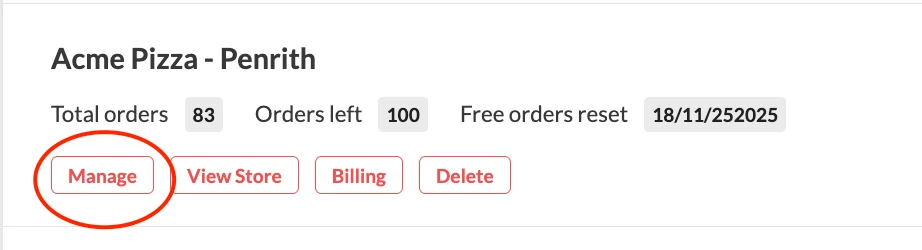
- Once you're logged in, click "Manage"
- Go to Settings

- Go to Website > Top Nav Bar > Logo link
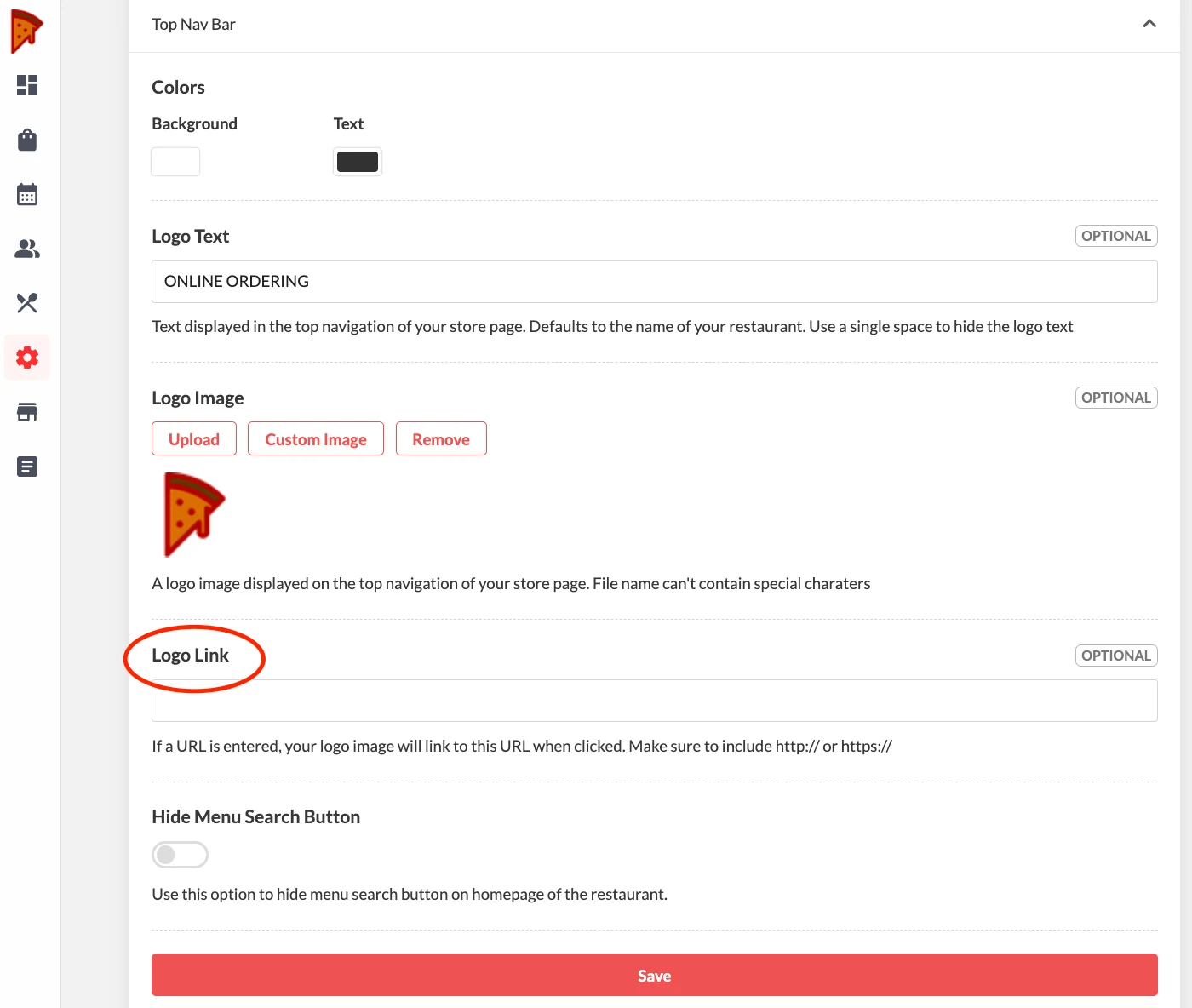
- Add the URL/ Website to link the logo image when clicked. Make sure to include http:// or https://
- Save